01CaptureLinkWise UI
Save without breaking your flow.
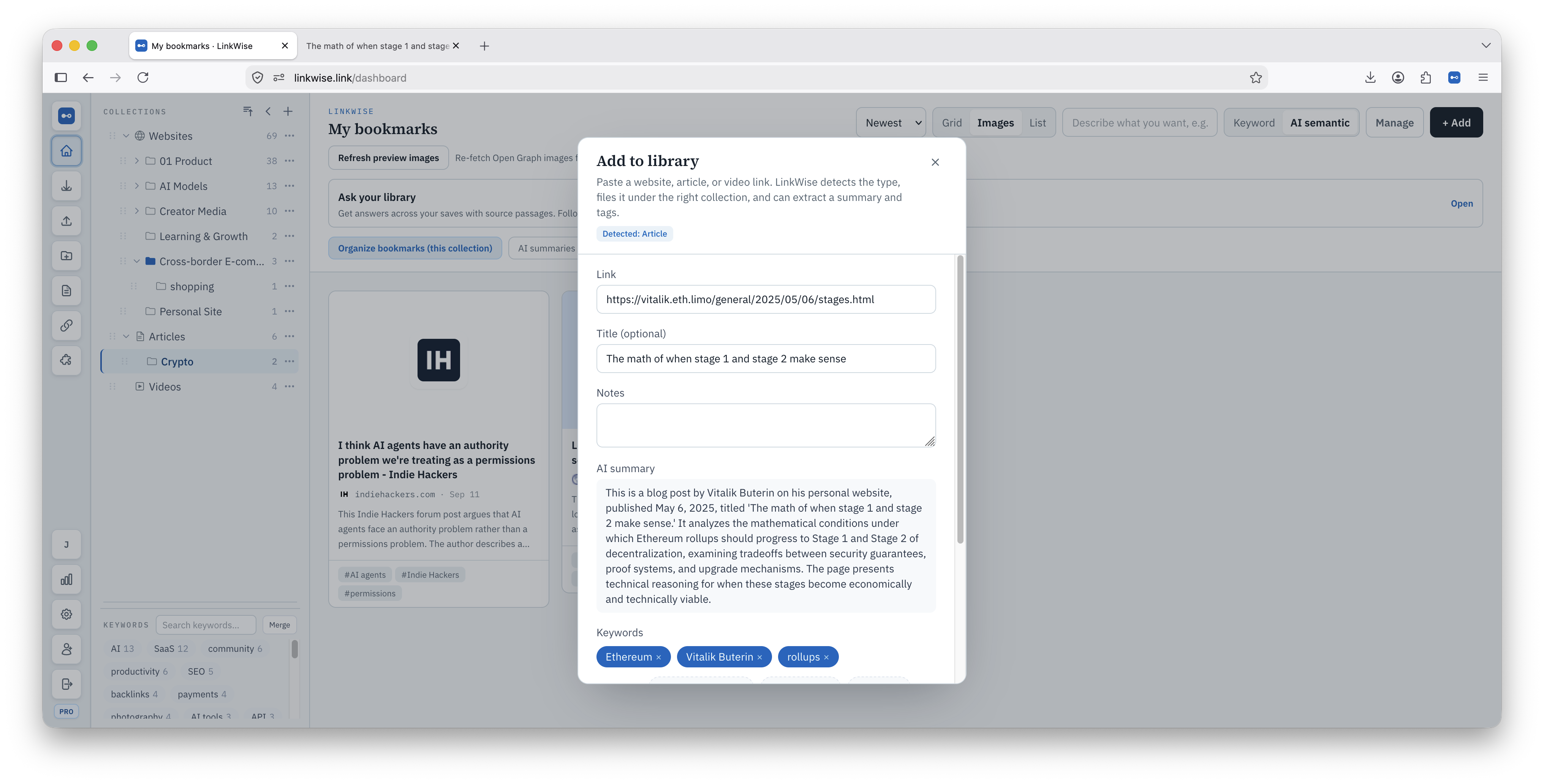
Use the extension on any public article, YouTube video, or useful site. LinkWise detects the content type before filing it in your library.
Knowledge transformation engine
Articles, videos, and sites—into knowledge you can search, cite, and export.
Free · no card required · install the extension anytime
What becomes an asset
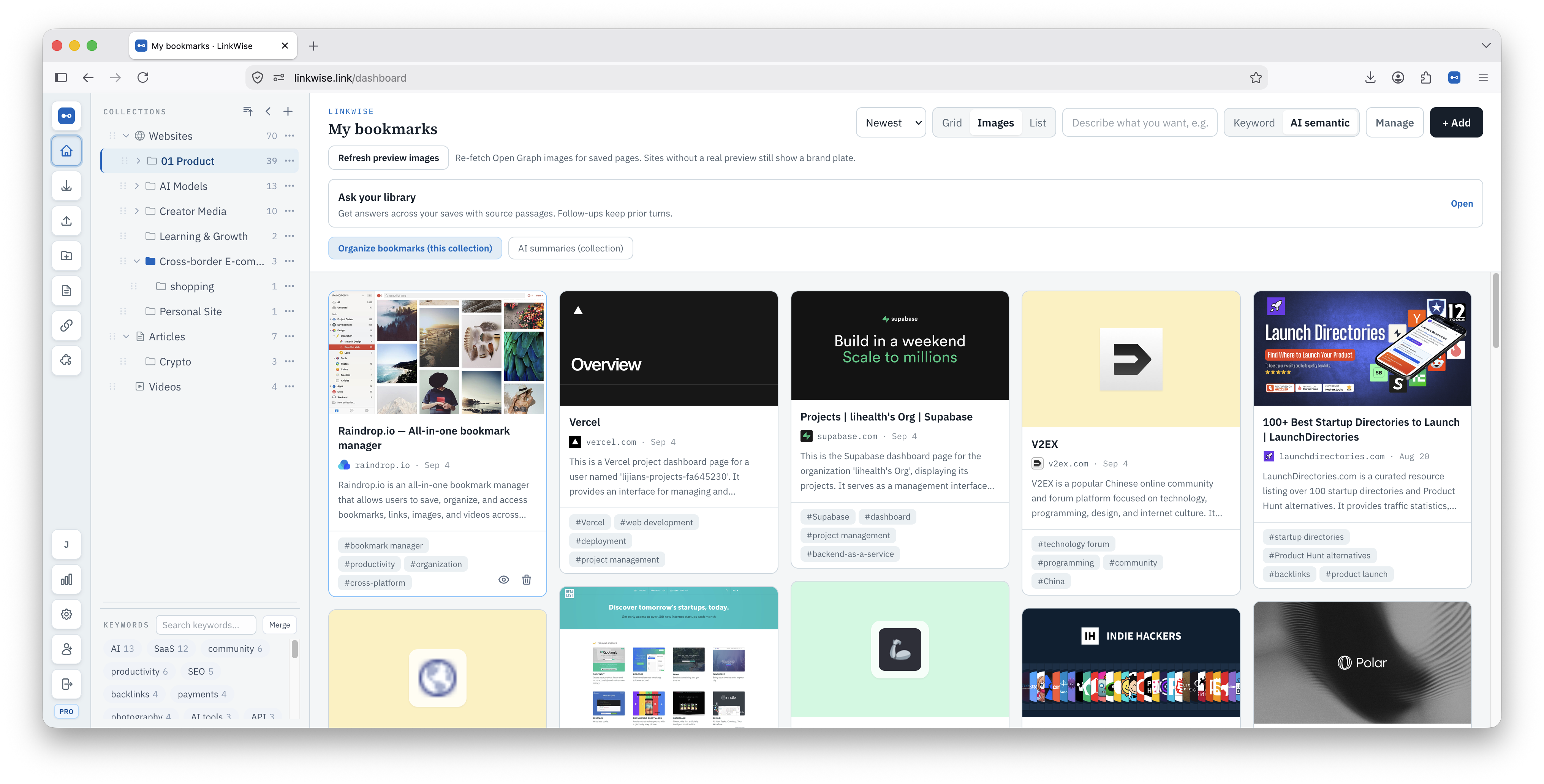
Long articles, YouTube tutorials, and tool or resource sites are all external nodes in your knowledge map—LinkWise turns them into assets you own.
You browse
Long-form articles
You own
Clean full text, a structured summary, and clickable source passages
You browse
YouTube tutorials
You own
A timestamped transcript and overview when public captions are available
You browse
Tools & resource sites
You own
A searchable resource card—not full text, and intentionally excluded from Markdown export
Product proof
LinkWise keeps the source, extracts what matters, and gives every save a path into your knowledge base.
Use the extension on any public article, YouTube video, or useful site. LinkWise detects the content type before filing it in your library.
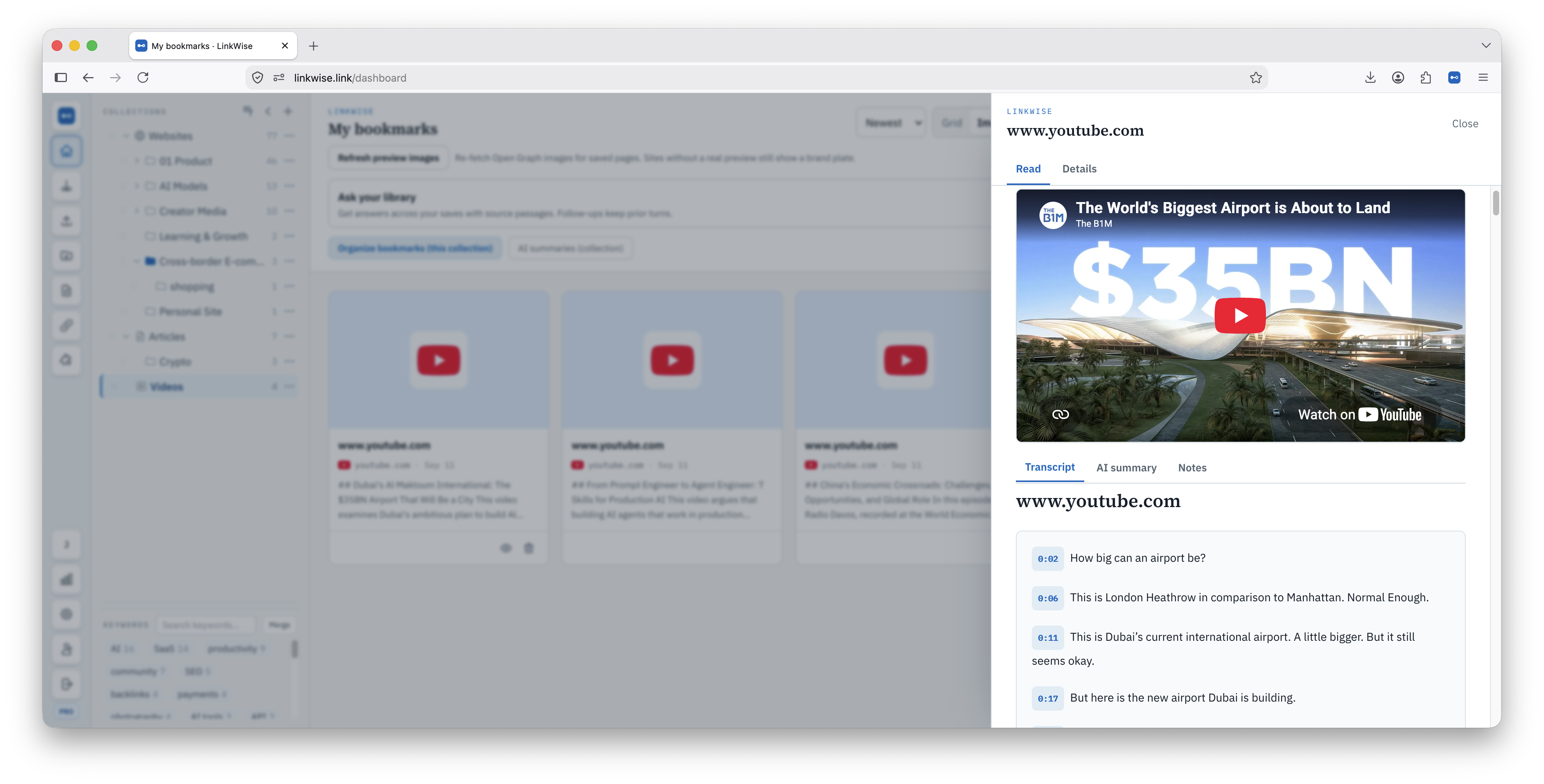
Keep clean full text beside the original source, then switch between the article, AI summary, highlights, and your own notes.
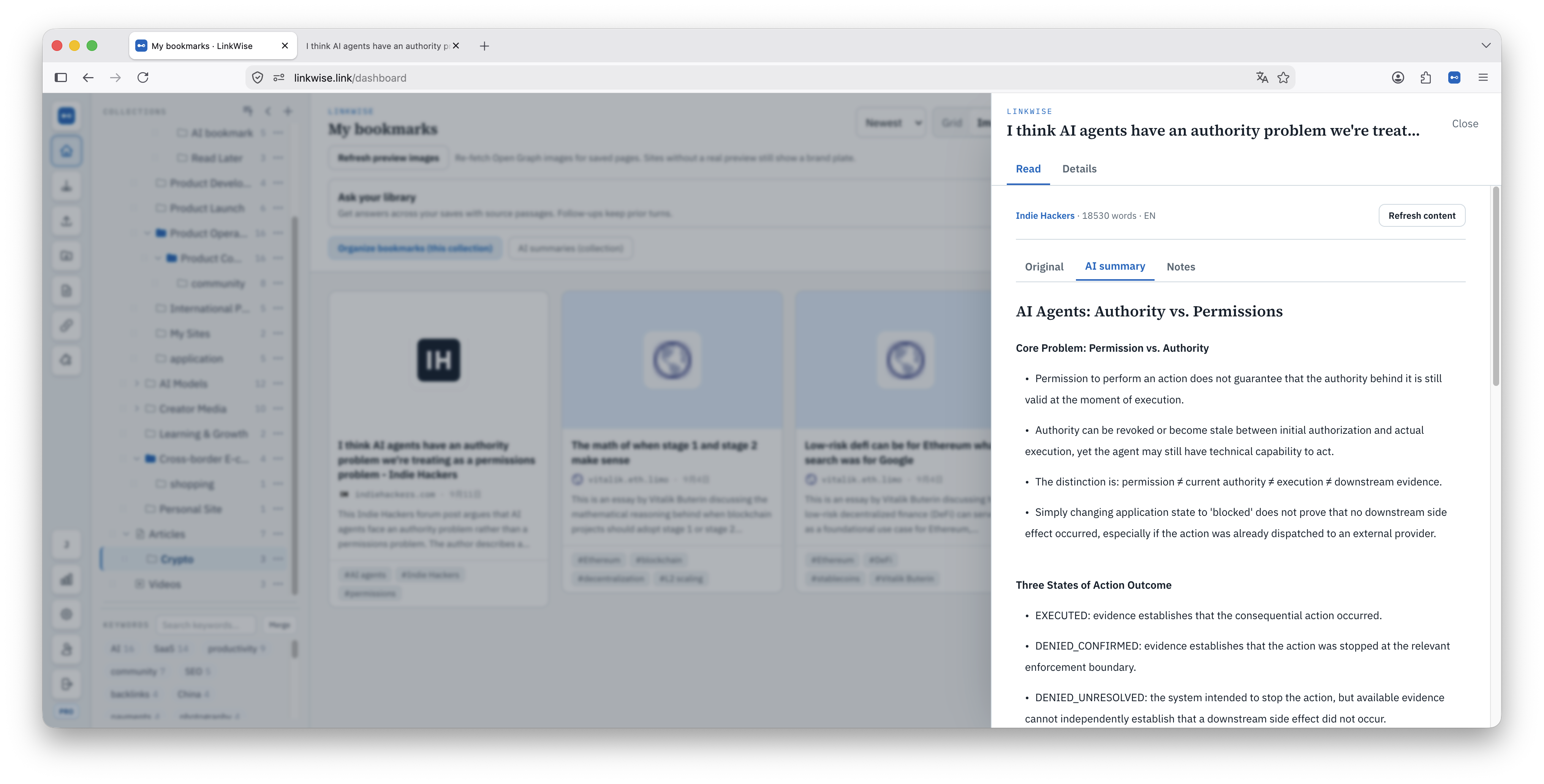
When public captions are available, YouTube saves become timestamped transcripts you can search and jump through.
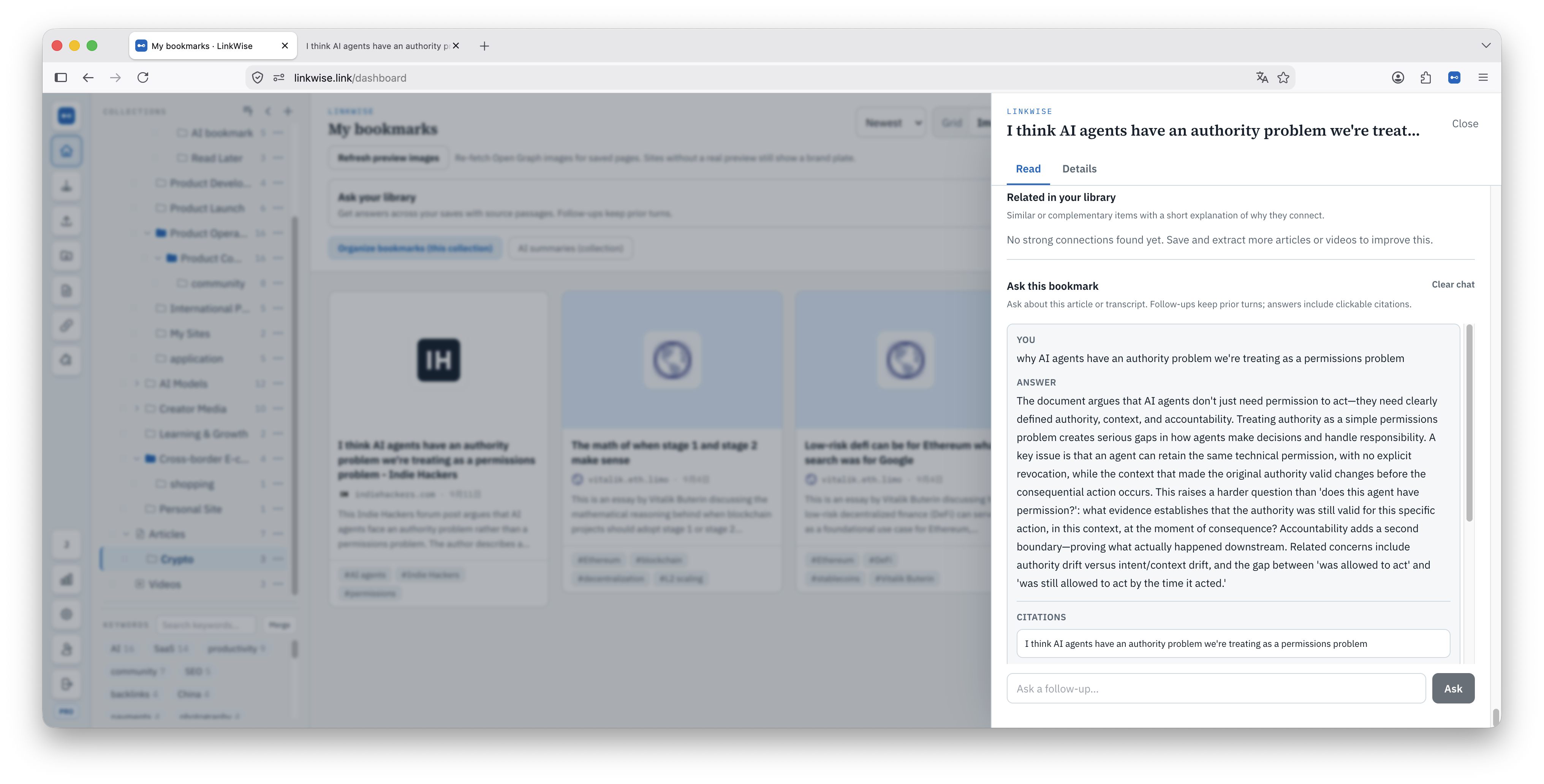
Ask one item or your whole library. Answers stay grounded in saved content and link back to the exact supporting passage.
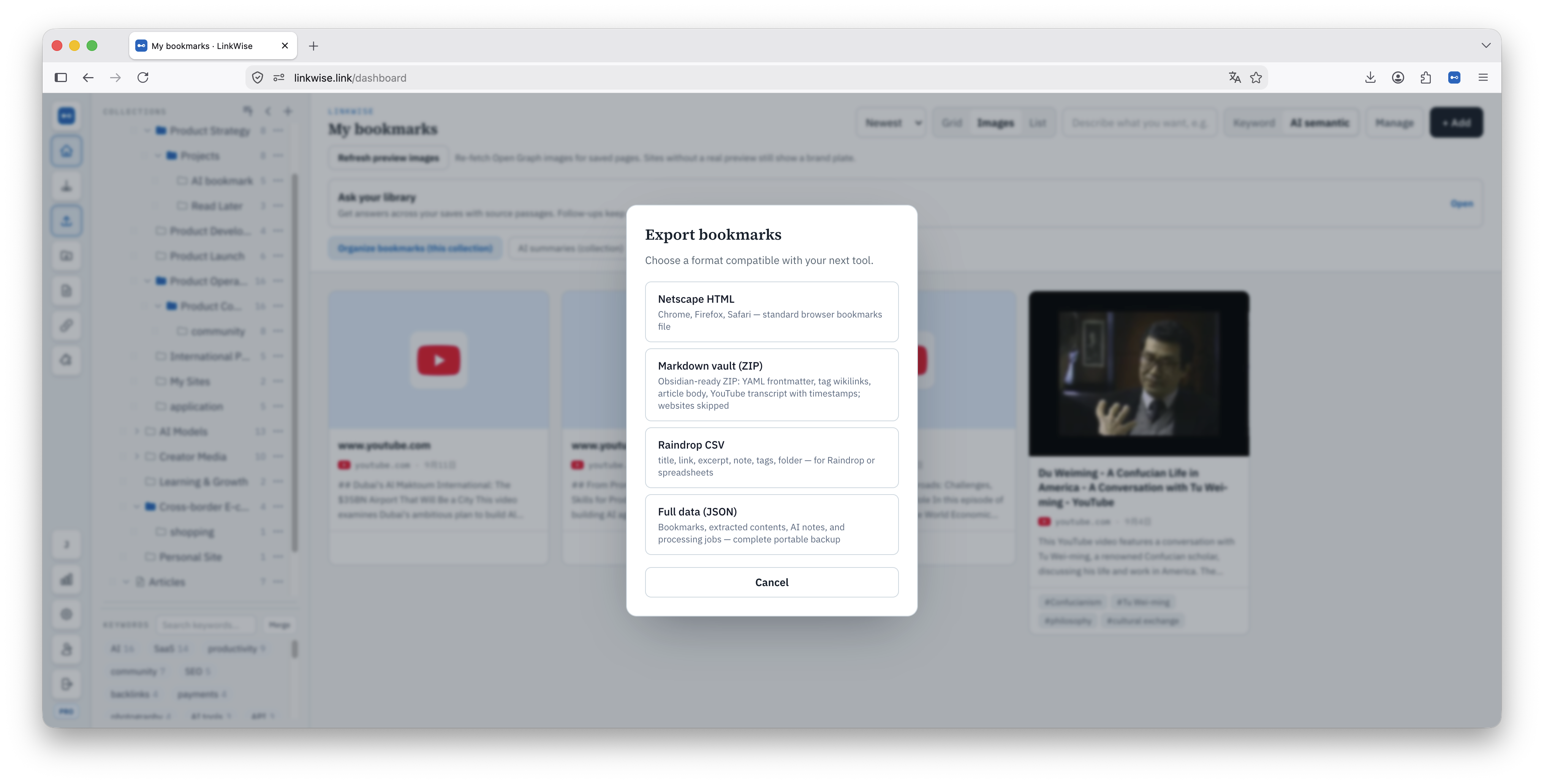
Move article text, transcripts, summaries, notes, and tags into Markdown for Obsidian—or export standard HTML, CSV, and JSON.
Start with unlimited saves on Free. Upgrade when you need unlimited AI processing, semantic search, cited Ask, connections, and custom Obsidian templates.
Early-supporter buyout. Full Pro forever on this account—before seats sell out or the Sep 30 deadline hits.
Ends in
Ends September 30, 2026 — or when 100 seats are gone.
one-time · never renews
Ends September 30, 2026 — or when 100 seats are gone.
Bookmark managers store URLs. LinkWise is a knowledge transformation engine: capture the public web, organize it with trust, and build personal knowledge assets—not another forgotten folder.
Later-read piles grow. LinkWise turns public web nodes into personal knowledge assets.
AI suggests structure; you confirm. Citations stay tied to the original page or timestamp.
The destination is Obsidian or Markdown—not locking you inside another silo.
Browser bookmarks store URLs in folders. LinkWise is a knowledge transformation engine: it captures articles, videos, and websites, organizes them with sources, and helps you export personal knowledge assets into your notes.
Auto-tagging leaves you with a smarter pile. We transform public web content into citable, connected knowledge you can search, ask, and export—including sites and tools, not only articles.
Free builds a portable library with unlimited saves, bulk import, keyword search, export, 10 AI summaries and limited YouTube transcript minutes each month. Pro ($6/mo or $48/yr) adds unlimited processing, semantic search, cited Ask, explained connections, batch AI, link health, and custom Obsidian templates.
About $4/mo billed annually ($48/yr) or monthly. Chinese users can also buy a WeChat Pay yearly card (¥98, one-time). Free accounts stay on Free limits until you upgrade.
The extension keeps its own login session and does not always follow a website account switch. Open the extension popup and check the “Signed in as …” email. Then sign out on linkwise.link, sign in with the account you want, open /extension and click Connect again. Confirm the popup shows the correct email before saving. If it still wrong, clear site cookies for linkwise.link (and www) or remove the extension’s data and reconnect.
Google sign-in on Chrome/Edge needs the latest store build and an explicit Connect. Update from the Chrome Web Store or Edge Add-ons, stay signed in on linkwise.link, open /extension and click Connect, then check the toolbar popup shows your Google email before saving. If the site says Connected but the popup still asks for login, hard-refresh /extension, Connect again, or clear cookies for linkwise.link (and www) and sign in once more. Switching website accounts without reconnecting the extension can also send saves to the wrong library.
Install the free browser extension—save articles, YouTube, and useful sites while you browse. LinkWise organizes them with sources, then helps you send them into your knowledge base. Chrome, Edge, and Firefox.