LinkWise is a knowledge transformation engine for the public web. Capture articles, YouTube, and useful sites; keep full text or transcripts with citations; connect related saves; then export personal knowledge assets into your notes—not another folder of links you never reopen.
1. Install the extension and connect
- Sign up free (email or Google).
- Install the browser extension and connect it while signed in.
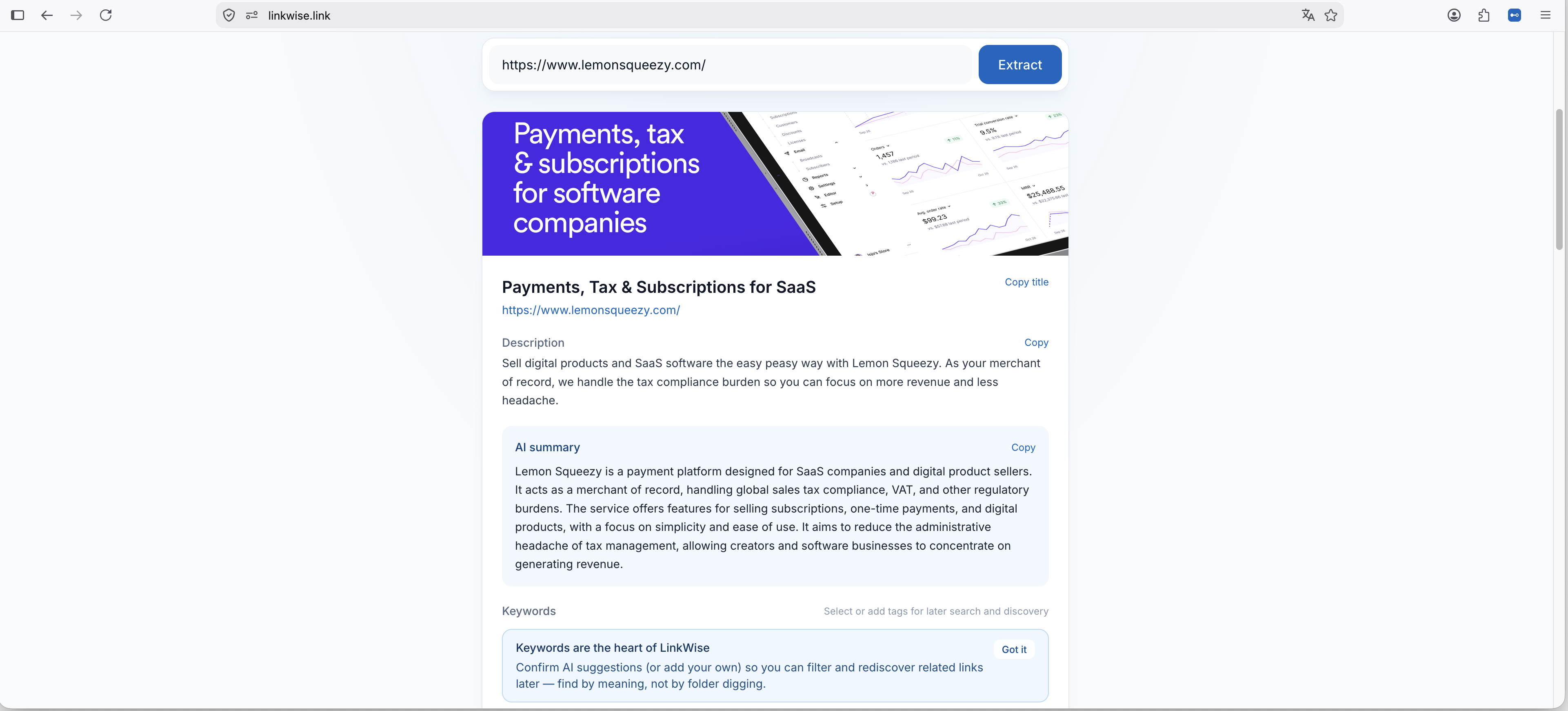
2. Save a few articles or videos
- While reading, open the popup and save with one click.
- Confirm keywords once so search stays accurate later. YouTube saves can fetch transcripts when captions are available.
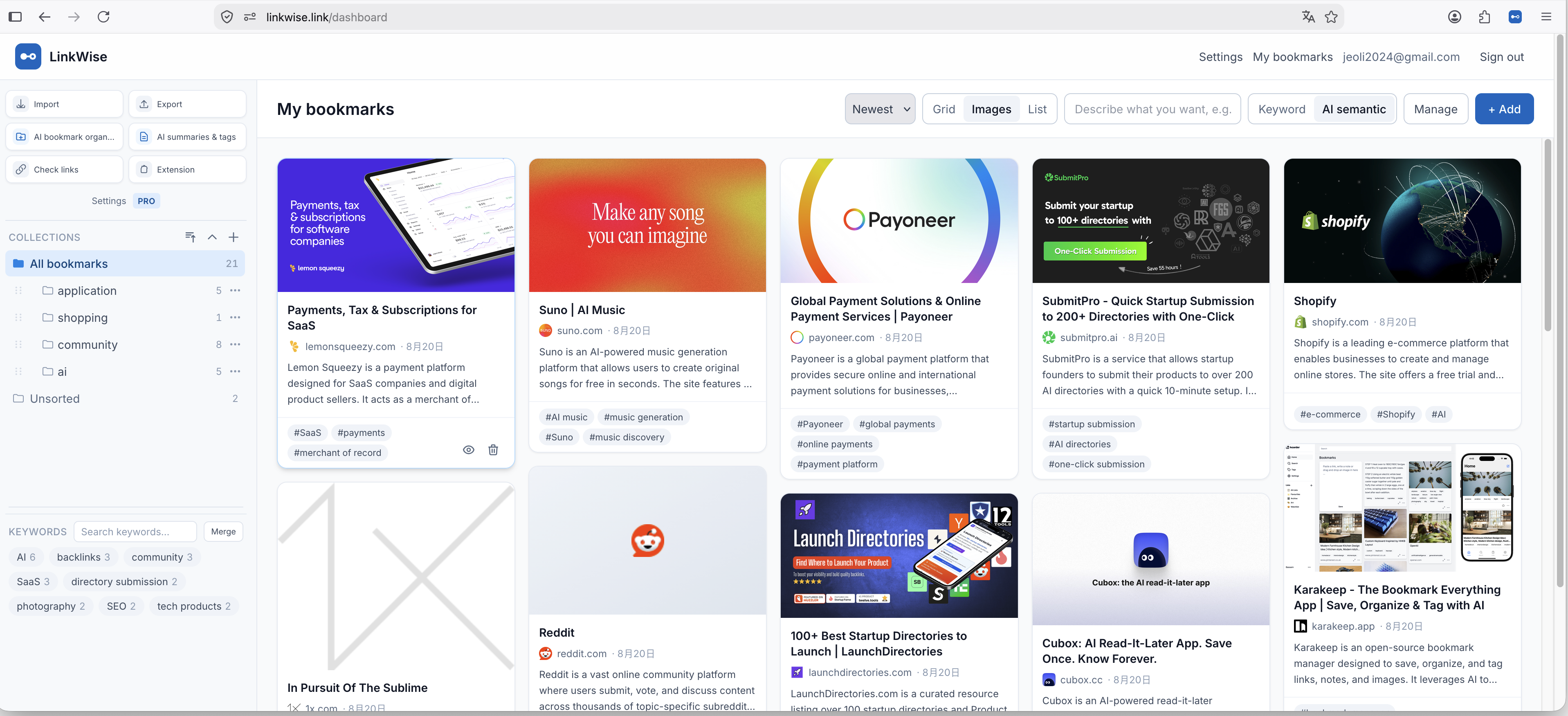
3. Open Reading, then search or export
In your library, open a save and use the Read tab for cleaned text, summaries, and citations. Then search by meaning or export Markdown for Obsidian.
Free includes unlimited bookmarks and 10 AI summaries & tags per month. You can still save without AI when the quota is used.